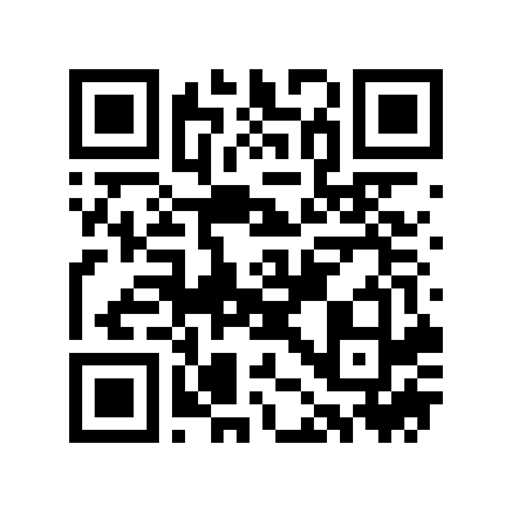
Why Use a Static vCard QR Code Instead of a Subscription Link?
Many digital business card services encode a short redirect link that stops working if you cancel a monthly subscription. Both this web tool and the QR Code Reader & Generator iOS app encode your contact fields directly inside the QR matrix using the open vCard 3.0, MeCard, or BizCard specification—so your printed business cards work forever, even when scanned completely offline at a conference or trade show.
Does scanning a vCard QR code work on both iPhone and Android?
Yes. Both Apple's iOS Camera (and QR Code Reader & Generator) and Android cameras natively recognize vCard 3.0 and MeCard payloads and offer a one-tap 'Add to Contacts' prompt with all your fields pre-filled.
Should I choose vCard 3.0, MeCard, or BizCard?
Choose vCard 3.0 for full digital business cards with company, job title, phone, email, website, and street address. Choose MeCard when you need a smaller, less dense QR pattern to print on a tiny label or badge.
How can I add my company logo and brand colors to my vCard QR code?
Download our free QR Code Reader & Generator app on iPhone or iPad. In the Creator tab, tap Contact to import your card from iOS Contacts, then tap Customize to embed your company logo, pick brand colors and rounded dots, and validate scannability.